AI TOOL / #06325
ChatGPT Voice Assistant
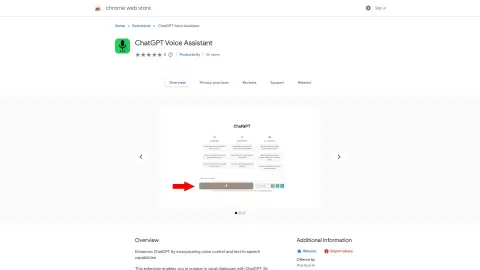
The voice-activated ChatGPT interface supports text-to-speech conversion and multiple languages.
Introduction
Voice-activated ChatGPT interface with text-to-speech and multi-language support.
What is the ChatGPT Voice AI Chrome extension/plug-in?
This tool allows you to capture voice input and send it to ChatGPT. The responses generated by the system can be listened to aloud (this option can be disabled if desired). It supports multiple languages, and you can start capturing voice data by clicking the microphone button or holding down the spacebar.
How to use the ChatGPT Voice AI Chrome extension/plug-in?
Click the microphone button or hold down the spacebar to record your voice input. This tool will send your recorded voice to ChatGPT, which will then read out the response. You can also choose to disable the text-to-speech function if you prefer to read the responses directly.
The core functions of the ChatGPT Voice AI Chrome extension/plug-in
Voice input for ChatGPT
Text-to-speech output generated by ChatGPT
Multilingual support
Capture voice input using the microphone button or the spacebar.
Text-to-speech output generated by ChatGPT
Multilingual support
Capture voice input using the microphone button or the spacebar.
Related
Bubbles
AI-based meeting recording assistants and screen recording tools that enhance productivity and enable asynchronous communication.
AiGenda
AI-based platform for automated meeting summaries and detailed notes.
Dictate Buddy
Dictate Buddy is a voice-to-text application that integrates AI transcription technology with Notion.
Broadcast 2.0
Broadcast is a manager's assistant tool designed for taking meeting notes, tracking decision-making processes, and automating action items.
Solvely AI
Solvely is an online math and homework problem solving tool using AI and image recognition.
MobbyDownload
A user-friendly tool for editing, converting, and downloading YouTube videos, supporting resolutions up to 8K.