AI TOOL / #10696
CANVID for Windows
Screen recording tool with auto-enhancement to easily create professional videos.
Introduction
Screen recording tool with automatic enhancements for creating professional videos easily.
What is Canvid?
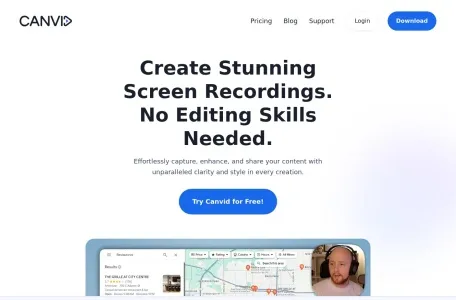
Canvid is a screen recording tool designed to easily capture, enhance and share screen recordings. It offers features like smooth mouse movement, auto-zooming, cinematic motion blur, and background effects, making it ideal for creating high-quality presentations, tutorials, and promotional videos without advanced editing skills.
How to use Canvid?
Capture the screen with just one click, enhance it with auto-zoom and AI background effects, add subtitles, and finally share the finished video instantly via cloud upload or local save.
Canvid’s core features
Auto scaling
AI background effect
Automatic subtitles and transcriptions
Simple screen recording
Share instantly
AI enhanced speech
Creative camera features
AI background effect
Automatic subtitles and transcriptions
Simple screen recording
Share instantly
AI enhanced speech
Creative camera features
Related
Orai
An application based on artificial intelligence, designed for practicing public speaking and enhancing one's skills in this area.
SayFluent
An AI-based English learning platform that uses YouTube short videos for interactive practice.
Augnito
A plug-in that provides speech support for health records software, converting speech to text for efficient report generation.
Voiset
An AI-powered application for planning work and daily activities, featuring voice input and automatic scheduling capabilities.
Gliglish
An AI language-learning app that helps users practice speaking and listening through conversation.
IzzyAI
AI-powered speech therapy applications offer 24/7 access and personalized treatment options.